
How to Search Cases by Name
For civil, felony-criminal, and domestic-relations files in Common Pleas General Division, begin at the official Van Wert County Clerk Case Inquiry. Open the Name tab. Enter a last name and first name. Use a company name if that is who you are chasing. The Clerk's own guidance suggests at least three letters of the surname plus one first-name letter. Then work through likely spelling variants. Personal identifiers are not indexed, so the system leans on names. That narrow approach beats a broad query every time the surname is common.
- Identify the court and case type before searching. Common Pleas cases belong in Case Inquiry, not the Municipal Court record search.
- Open Case Inquiry from the Clerk’s official page and choose the Name tab.
- Enter the least amount of accurate name information needed, then use the case-type, status, or file-date filters if results are broad.
- Open the matching case record to check its caption, number, status, and docket activity. Contact the custodian for verified information.
| Field Label | Type | Required | Van Wert County use |
|---|---|---|---|
| Last Name | Text | Yes on name route | Use at least the first three letters; try spelling variants. |
| First Name | Text | Yes on name route | At least the first letter is recommended. |
| Company Name | Text | Alternative | Use instead of the individual-name route. |
| File Date | Date range | Optional | Enter dates as MM/dd/yyyy to narrow a result set. |
| Case Status | Multi-select | Optional | All Statuses, Open, Closed, or Reopen. |
Note: A fresh search result only points you to a case. It cannot replace the Clerk’s certified record or confirm a last-minute setting.
Van Wert County Name Search Tips
A Van Wert County case lookup works best when you give it just enough to narrow the field. The Case Inquiry guidance asks for at least three letters of a last name. Add one letter of a first name too. From there you can layer on a date, a case type, or a status filter. Company searches are allowed too. Treat any close match with suspicion, though. Before opening a record, check the caption, the case number, and the category. Confirm the docket you found is really the right one.
Van Wert County Court Search Routes
No single database holds every Van Wert County docket. The county courts page sends searchers down separate channels. The clerk in charge depends on the case. Common Pleas General Division filings live in the elected Clerk's Case Inquiry. Van Wert Municipal Court uses CaseLook instead. It keeps countywide traffic, misdemeanor, civil, and small-claims records there. Probate and Juvenile divisions run their own record-search pages and deputy-clerk access. A case missing from one channel often sits in another.
| Case category | Van Wert County record route | Useful starting point |
|---|---|---|
| Felony, General Division civil, domestic relations | County Clerk of Courts | Case Inquiry |
| Traffic, misdemeanor, municipal civil, small claims | Municipal Court Clerk | CaseLook |
| Estate, guardianship, adoption, juvenile matter | Probate or Juvenile deputy clerks | Separate record search |
Checking the division matters most for a felony. Municipal Court may see an early preliminary stage, but the later felony docket belongs to Common Pleas. Need a document rather than a status check? The Van Wert County court record search route explains which clerk holds the copy you want.
How to Search by Case Number
Have the exact number? That is the quickest Van Wert County case lookup of all. Case Inquiry gives you an Advanced Case # tab. It has one field each for year, type, and sequence. Type the year as four digits. Pick the local type code, then add the numeric run. So a Common Pleas search can look like 2026-CR-000123, split across its three fields. The year, the criminal marker, and the sequence each go in their own box. What the portal shows is field logic. It is not a promise that every case follows that numbering.
Municipal Court works differently. On the CaseLook form, the Case Number field takes numbers only. No letters, and no more than 12 characters. Got a traffic citation instead? Search by Ticket Number. The visible Traffic, Criminal, Civil, and Small Claims boxes let you narrow the court's scope. Copy the number straight from your notice. Resist inventing a prefix the court never gave you.
Van Wert County Case Inquiry Tabs
Case Inquiry offers five public search paths. They are Name, Advanced Case #, Case Number, Case Type, and Advanced Attorney. On the Case Type tab you set a begin date, an end date, and a category. Category choices include CR, CV, DR, DS, CA, CJ, BR, MS, or TL. Status options include Open, Closed, or Reopen. With those controls, a focused Van Wert County case lookup becomes straightforward. Results stay sorted by the type of court matter.
The official Clerk-linked Case Inquiry launch screen shows the browser-based service used for Common Pleas research.
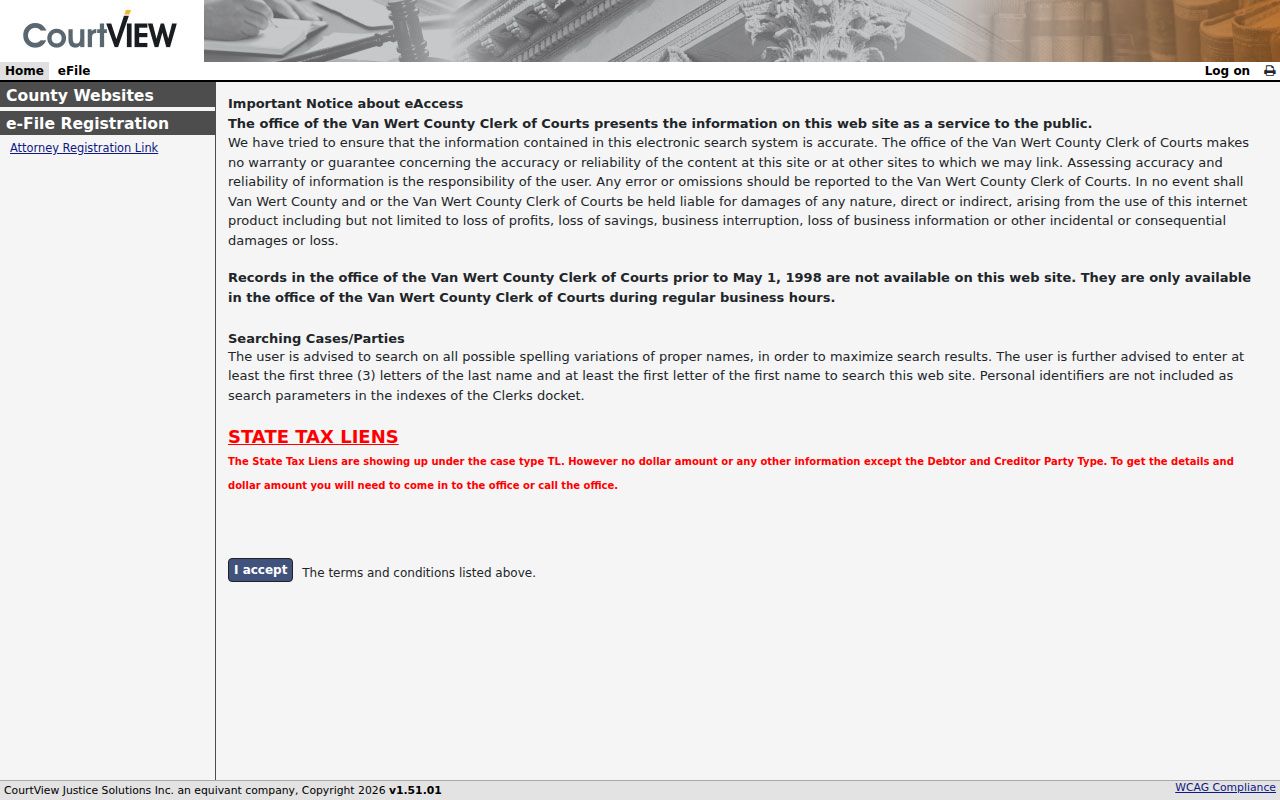
Van Wert County case inquiry also includes Calendar and eFile tabs. Searching court records and filing into a case are two different tasks. Keep that split in mind when you use the tabs.
Van Wert Municipal Court and the Van Wert Probate/Juvenile Court both point filers to Henschen eFile service. It handles court-specific electronic filing.
An e-filing screen exists for parties and attorneys submitting filings. It does not replace the public case inquiry when you are checking a docket.
What a Case Search Shows
Run a case lookup for Van Wert County and you usually get an index or a summary row. That is not the whole file. That matters. A result row is a starting point, not the full paper trail behind it.
The Van Wert County Clerk handles the Common Pleas side directly. The office files, dockets, indexes, and preserves pleadings. It also enters orders, decrees, judgments, and proceedings into the record.
Municipal cases run through CaseLook, a public record-search tool. Its own notice warns that posting can lag by at least 24 hours. That clock starts after a filing or a judicial action. So a fresh entry may not appear right away. Before you read much into a result, check the case caption. Check the category against what you expected too.
| Case number | The court-assigned identifier used to locate the record. |
|---|---|
| Case type | A category such as Traffic, Criminal, Civil, or Small Claims in CaseLook. |
| Filed date | The date used to place a filing in the court record; it can also narrow a search. |
| Status | A search classification such as Open, Closed, or Reopen, not a substitute for the current entry. |
| Docket entry | A chronological notation of filings, settings, orders, judgments, or other case progress. |
Note: A Van Wert County court docket result can name a filing or a hearing date. That does not mean the document itself is online for viewing.
Van Wert County CaseLook Search Rules
The Van Wert Municipal Court runs its docket search through CaseLook. You must accept a notice and pass a CAPTCHA before anything runs. Then pick one criterion at a time. A name or company goes in “last, space first middle” order, or use a hearing date, a numeric case number, a file date, or a ticket number. All four case types are searched by default. Results come in groups of 25, 50, 100, or 250.
The official CaseLook Calendar Search screen shows why a date search works differently. A Beginning Date is required. The ending date is optional. The same case-type boxes and CAPTCHA apply to every search there.
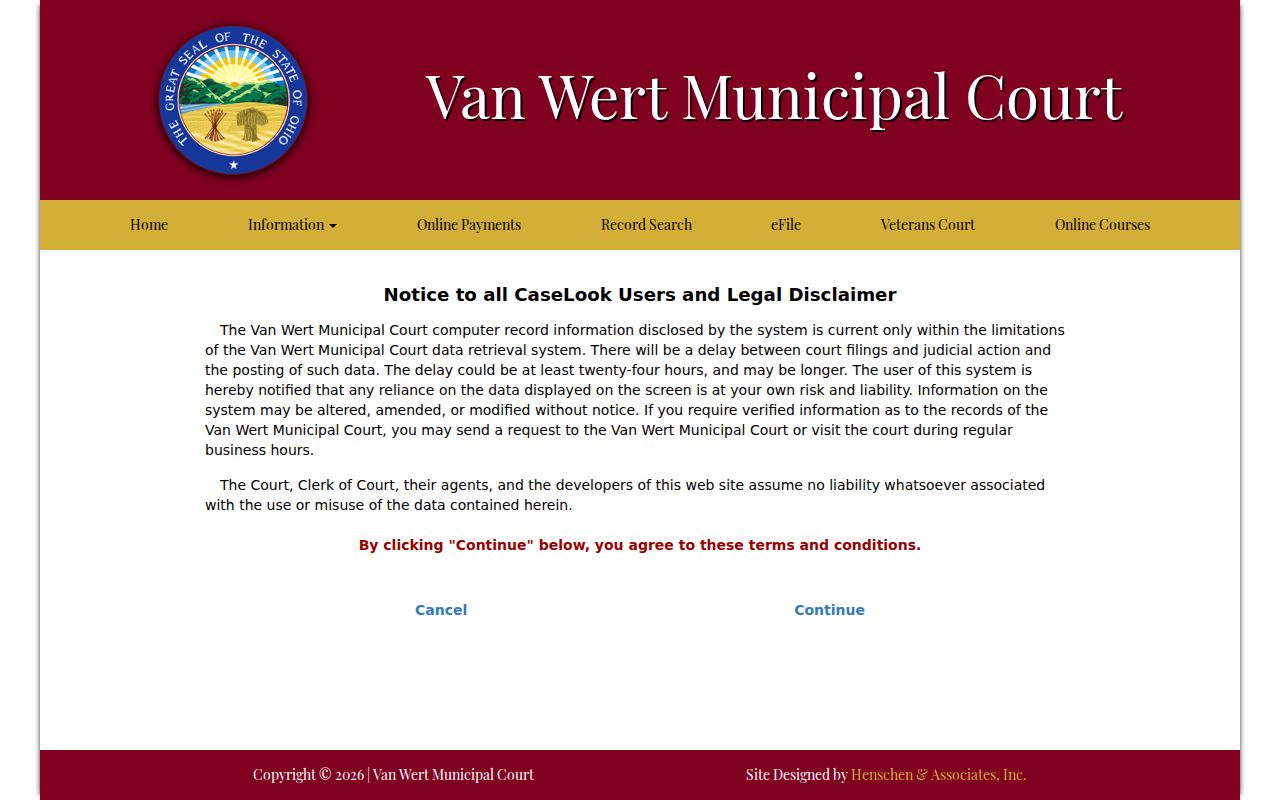
Keep the date range tight. Narrow dates plus one chosen case type make a calendar result easier to scan, though the visible form offers no judge or courtroom filter.
County vs Statewide Case Search
Ohio has no single statewide portal for trial-court dockets. The Supreme Court’s eStats service reports statistics, not individual cases. So start locally. Case Inquiry, CaseLook, or the proper Probate and Juvenile route is the right entry point. Use it for a Van Wert County case lookup. The state court hierarchy can still explain which court received a matter. But it never merges every trial-court record into one name search.
| Search layer | What it does | Van Wert County limitation |
|---|---|---|
| Local Case Inquiry | Searches Common Pleas General/DR routes | Not Municipal, Probate, or Juvenile data |
| Municipal CaseLook | Searches traffic, criminal, civil, and small claims | Can lag and is not the certified record |
| Ohio statewide resources | Explain courts or report statistics | No statewide individual-case replacement |
Van Wert County Pre-1998 Case Search
Common Pleas records from before May 1, 1998 are not online in the Clerk portal. Older files live on paper at the Clerk’s office. Bring the case name, the approximate year, and the division. The office sits at 121 E. Main Street, Suite 300. Calling 419-238-1022 first saves a trip. Staff can grant direct access during regular business hours. They can also explain whether a paper file, docket, ordinary copy, or certified copy is available.
Tax liens are another limit online. Entries under case type TL can reveal the debtor or creditor party type. But the portal caps the displayed detail. Ask the Clerk for what the result leaves out.
Van Wert County Tax Lien Searches
Case Inquiry covers tax liens too. The Advanced Case # and Case Type controls include the TL category, but the public display stops at debtor and creditor party type. No monetary amount shows. That limit is not a failed Van Wert County case lookup. Take the number or party information to the Clerk.
Restricted Cases and Access Rules
Public access has limits. Not every record is open from home. Ohio’s current Rules of Superintendence 11.09–11.16, formerly identified as Sup.R. 44–47, govern direct access, remote access, personal identifiers, and restrictions. A court can redact, use initials, or limit remote access. It can also enter an order to protect a higher interest.
Sealed adult records may not return. Juvenile matters sit behind stricter boundaries. So do probate categories like adoption, adult protective services, and mental commitments. The Ohio sealing law and court orders control access. A search miss never proves a matter did not exist.
Van Wert County Search Confirmation
Call the office that holds the record. Do this when a filing is new, a hearing is near, or an official copy is needed. Municipal Court warns that online posting can lag at least 24 hours. Certified records come from the County Clerk. The Clerk is also the source for Common Pleas filing status. An online case result helps you locate the file. The verified record comes from the originating court or clerk.
Van Wert County Probate Case Searches
Probate and Juvenile are separate Van Wert County case lookup channels. Each division has its own search. Pick the one that matches the subject matter. Then ask the deputy clerks at 108 E. Main Street if the public search does not answer the permitted-access question.
The court’s own Probate Record Search is a separate route. It stands apart from the elected Clerk’s Case Inquiry. A distinct juvenile search sits beside it.
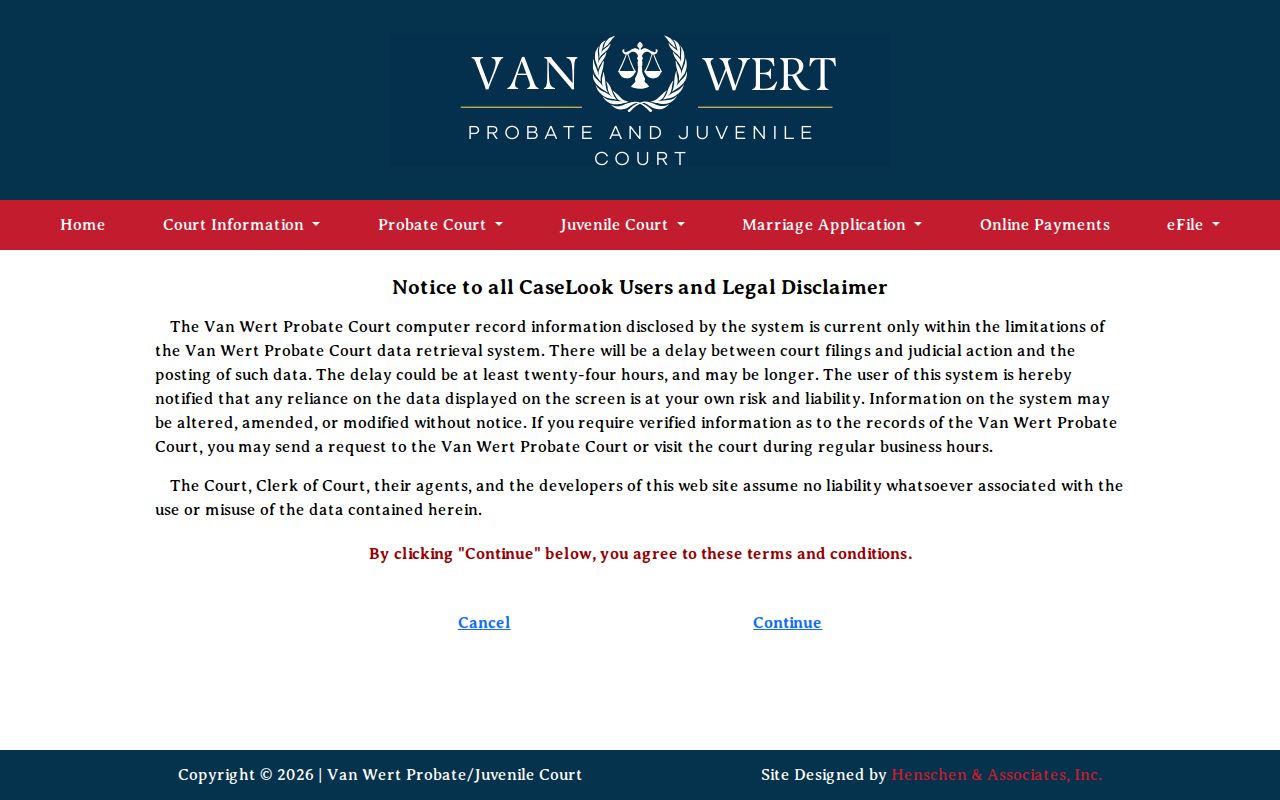
That design makes clear estate and guardianship records are not a subset of the Common Pleas General Division portal. The Juvenile Record Search is likewise its own division-specific entry point.
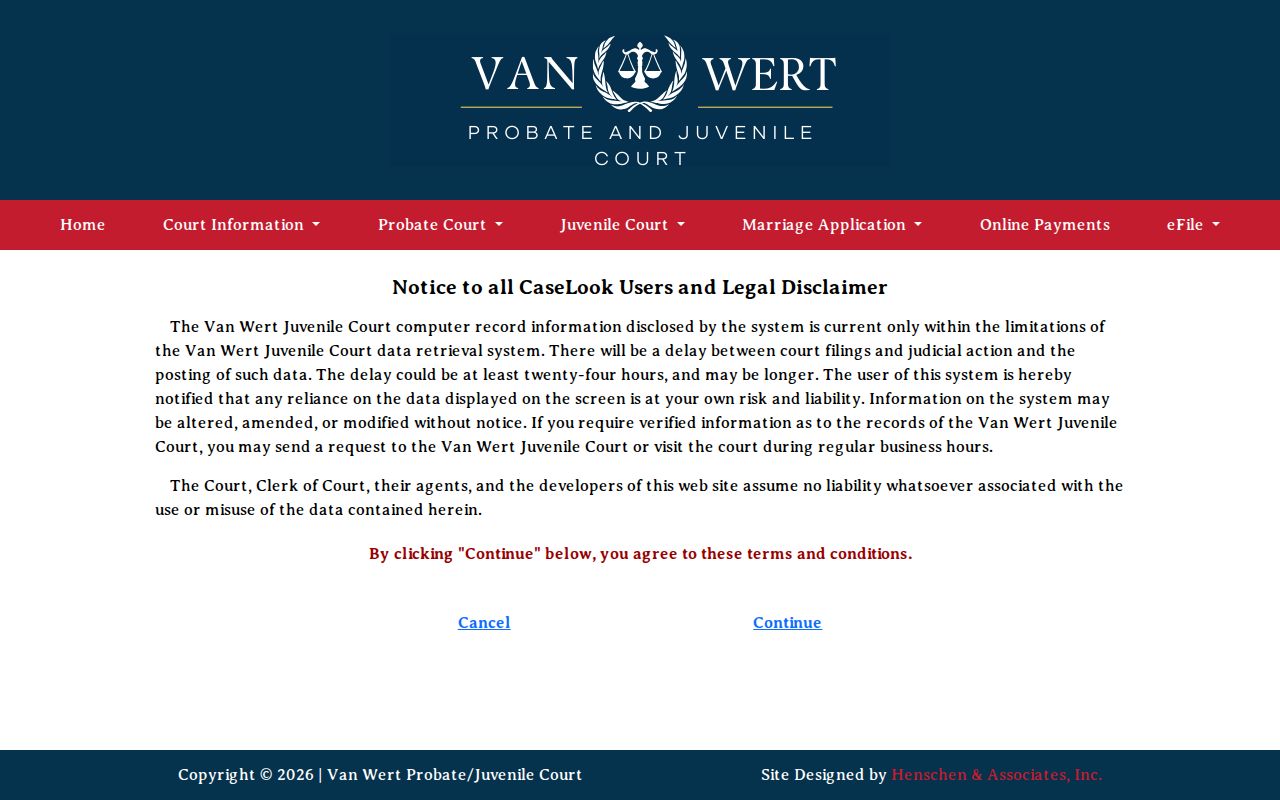
Confidentiality still applies. Juvenile sealing rules can limit what the public sees even where this separate search route is open.